
Qayd Files — Phone to Computer File Transfer
A free Windows program that moves photos, videos, and documents between your phone and your computer: open it, a QR code appears, scan it with your phone camera, and pick your files from the page that opens — no cable, no iTunes, no uploading to the internet, and no app to install on the phone. Files travel inside your own Wi-Fi network at their original size with no compression, and each fingerprint is compared on both devices so you know the file arrived identical.
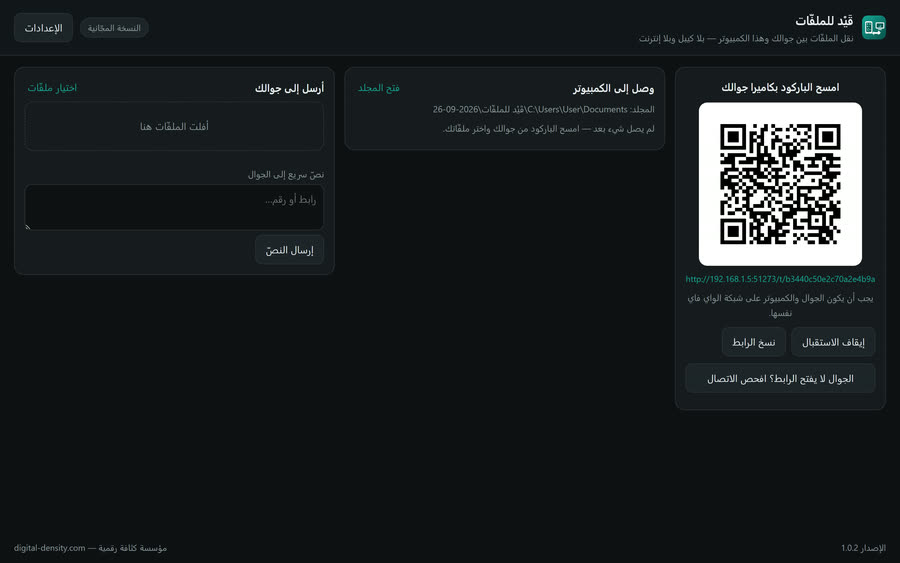
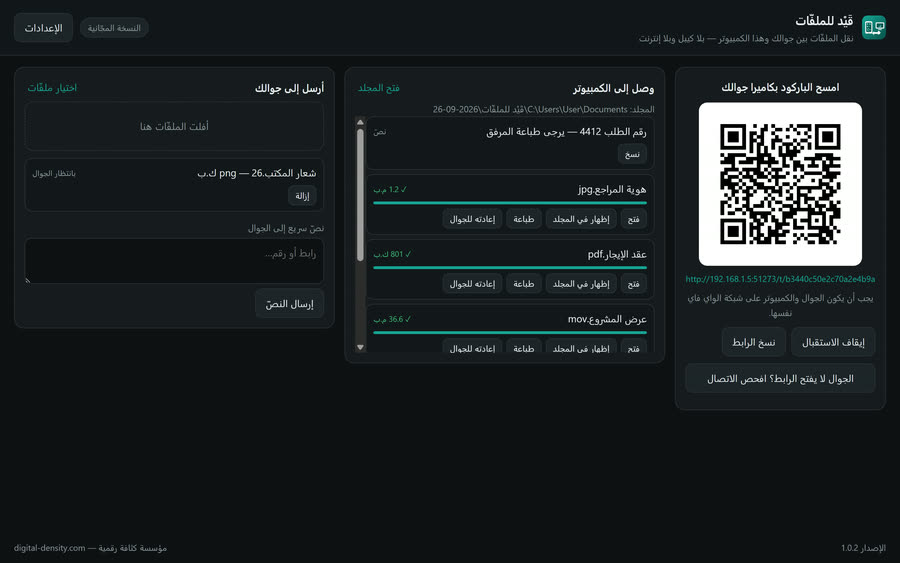
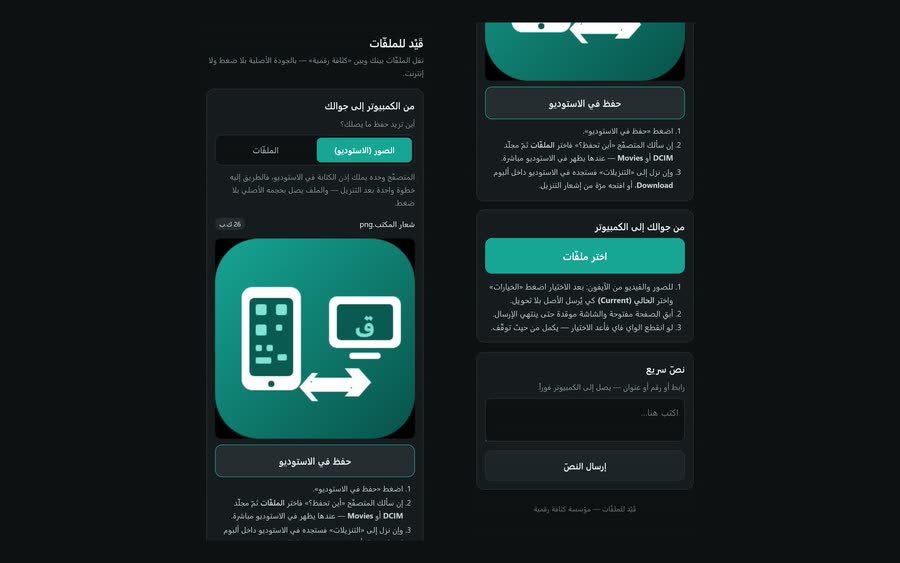
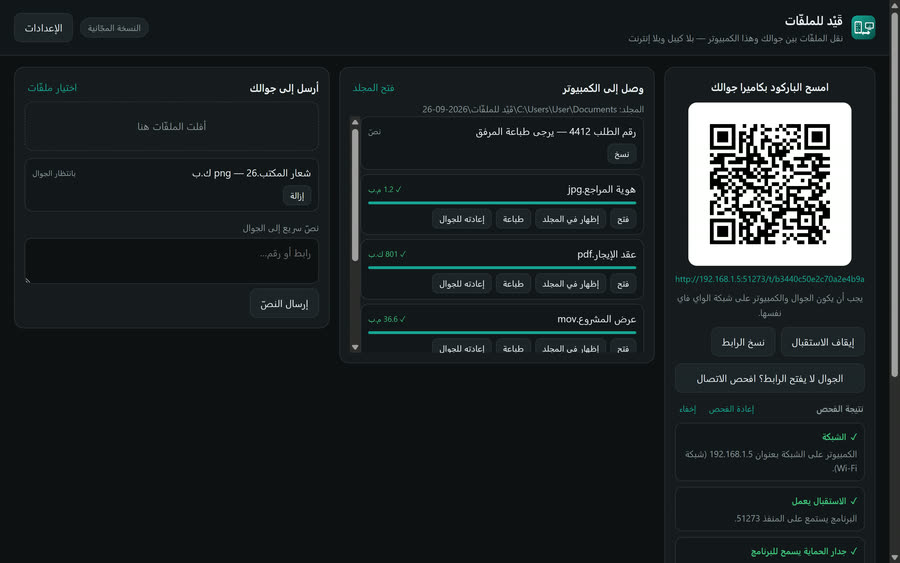
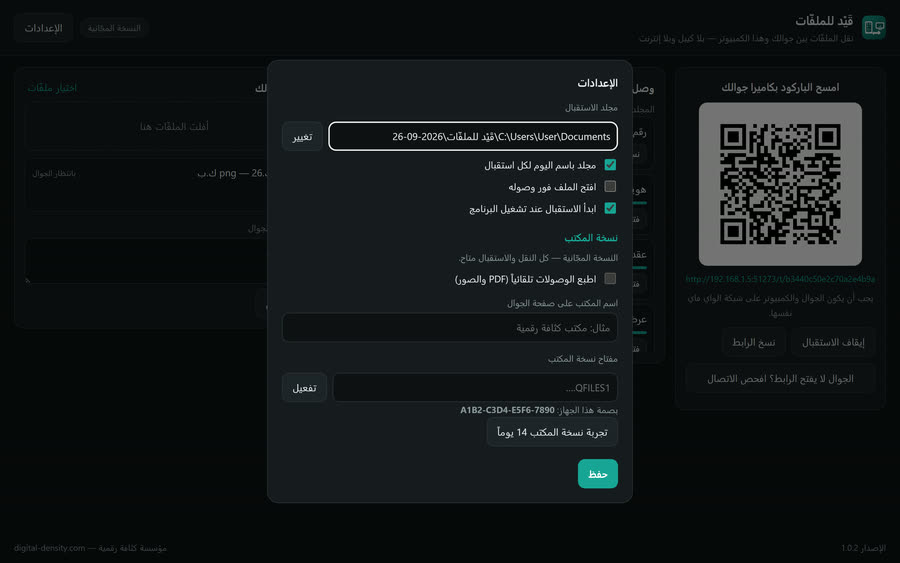
Real screens from the system
Captured from the running system on real data — not drawn mockups. Click any screen to enlarge it.
Key Features
Scan the QR code with the phone camera and the sending page opens — no app on the phone, and it works the same on iPhone, iPad, and Android.
Phone to computer: photos, videos, and documents of any size, unlimited files in one batch.
Computer to phone: drop files into the window and they appear on your phone; choose to save them to Photos or to Files.
Original quality: the file moves as it is, with no compression or conversion — iPhone HEIC photos and HEVC video arrive at full size.
Proof of arrival, not a promise: a SHA-256 fingerprint is computed on both devices and compared.
If Wi-Fi drops, it resumes where it stopped instead of restarting the file.
No internet and no middle server: transfers stay inside your own network and never reach any cloud.
A random token per session, so nobody reaches your page by knowing your device address.
Quick text both ways: a link, a number, or an address moves with one tap.
A folder named by the day for each session, and optionally opening each file as it arrives.
Office edition: a visitor scans the code and sends their document straight to your printer, with your office name on the page.